Sensory feedback analysis that turns hundreds of raw “likes” and “dislikes” into themes, sentiment and frequencies — where every finding can be traced back to the exact words a person wrote.
Type
AI-assisted analysis tool
Domain
Consumer sensory research
Scope
Pipeline, review flow & report
Status
Private · no public demo
wss · feedback analysis
Motion overview · 0:21Illustrative data — client material stays private
The brief
Reading every consumer comment by hand takes days. Letting a model summarise them takes seconds — but nobody can check where its conclusions came from. WSS had to be fast and accountable.
Challenge
Sensory panels produce free-text likes and dislikes about texture, flavour and aroma. Analysts need themes and frequencies they can defend in front of a product team, and a plain AI summary can quietly invent or blur what people actually said.
Approach
Treat each comment as evidence. The model may only extract phrases that exist word-for-word in the source, equivalent ideas are grouped into themes, and a human reviewer sees the evidence beside every interpretation before anything is published.
Result
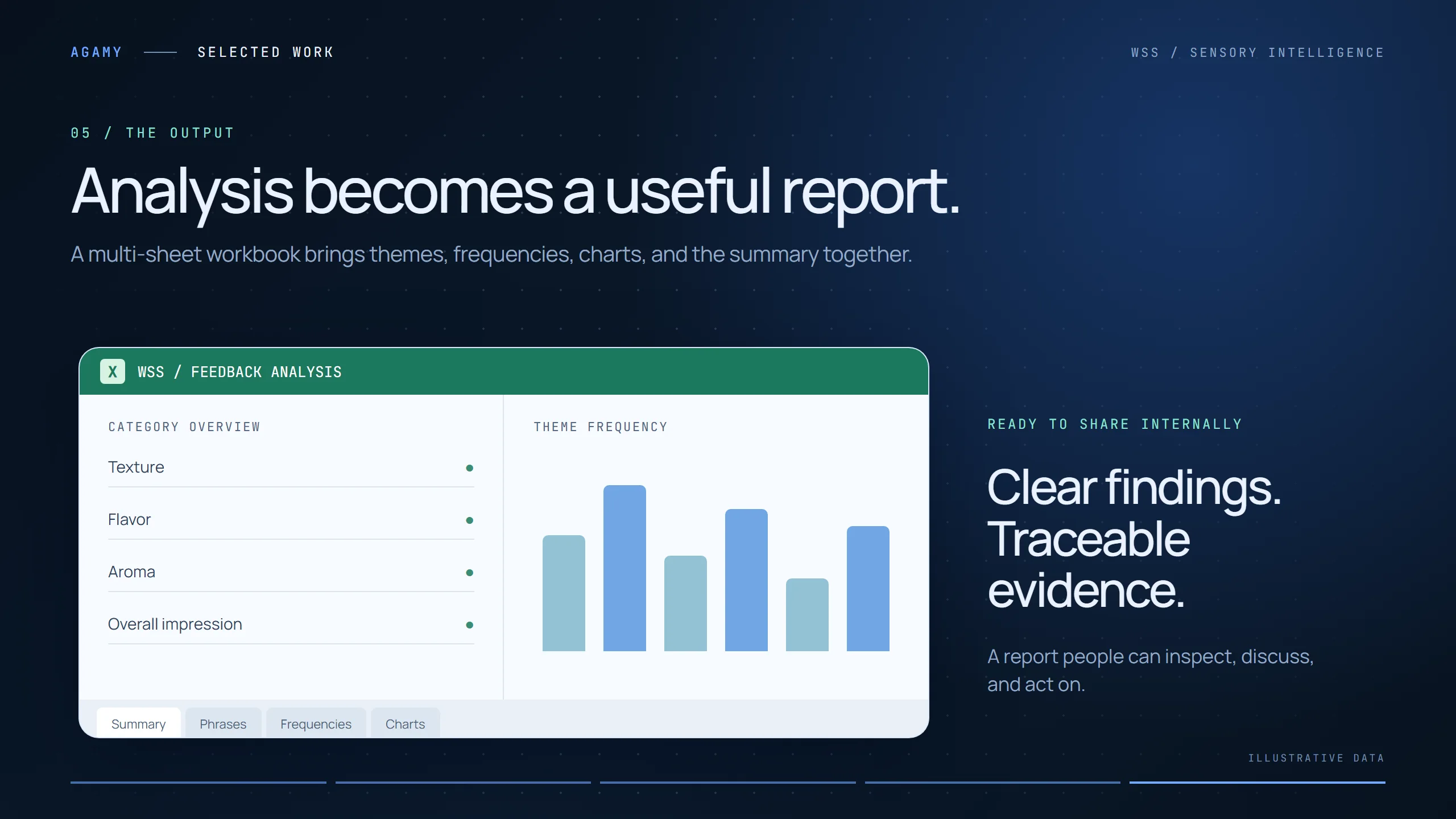
A workflow that goes from raw spreadsheet to a structured, multi-sheet Excel report — summary, phrases, frequencies and charts — with every number traceable and every reviewer correction recorded.
How it works
From raw voices to reviewable insight.
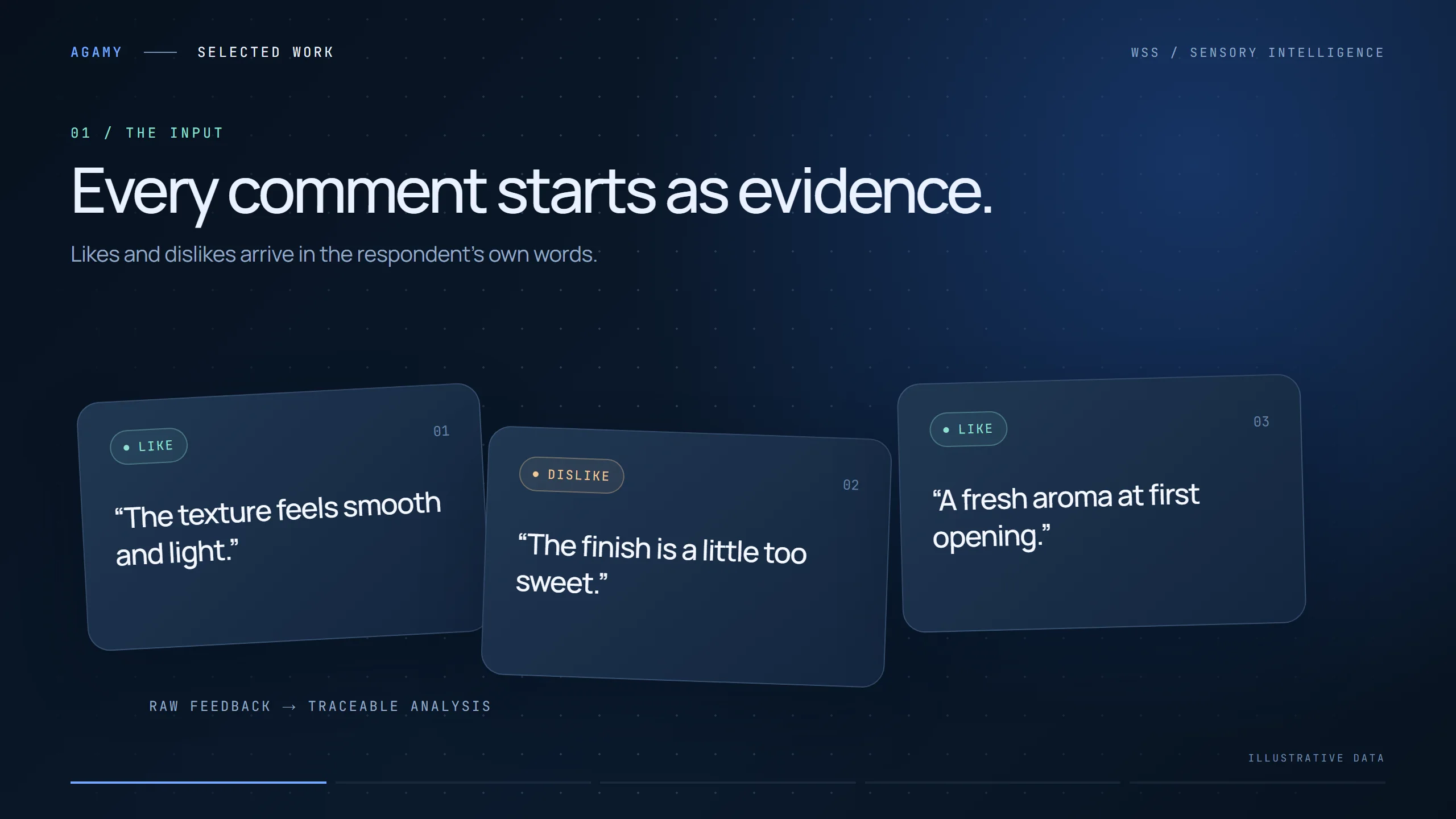
The inputLikes and dislikes arrive in each respondent’s own words.
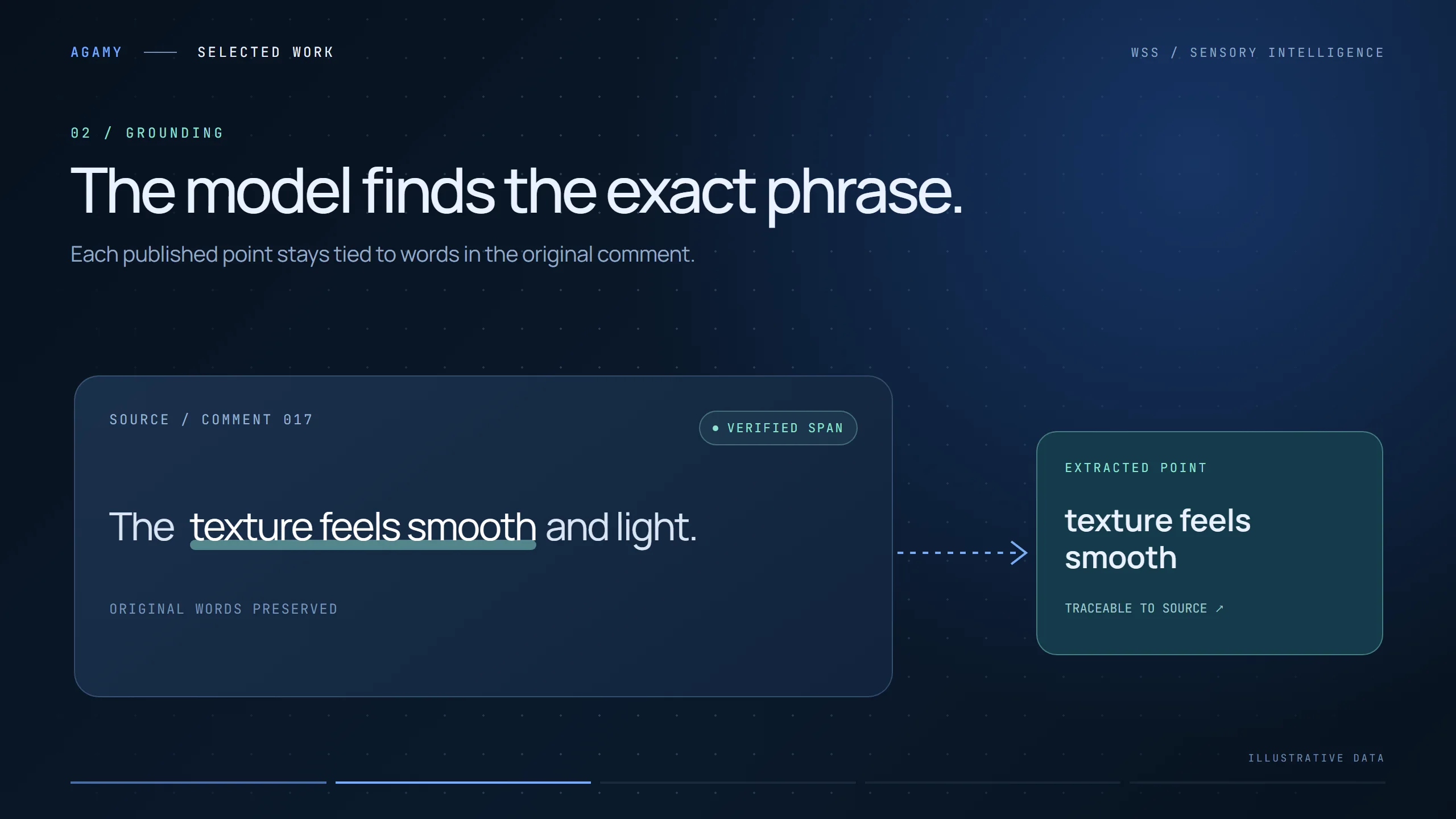
GroundingThe model extracts exact phrases, checked against the source text.
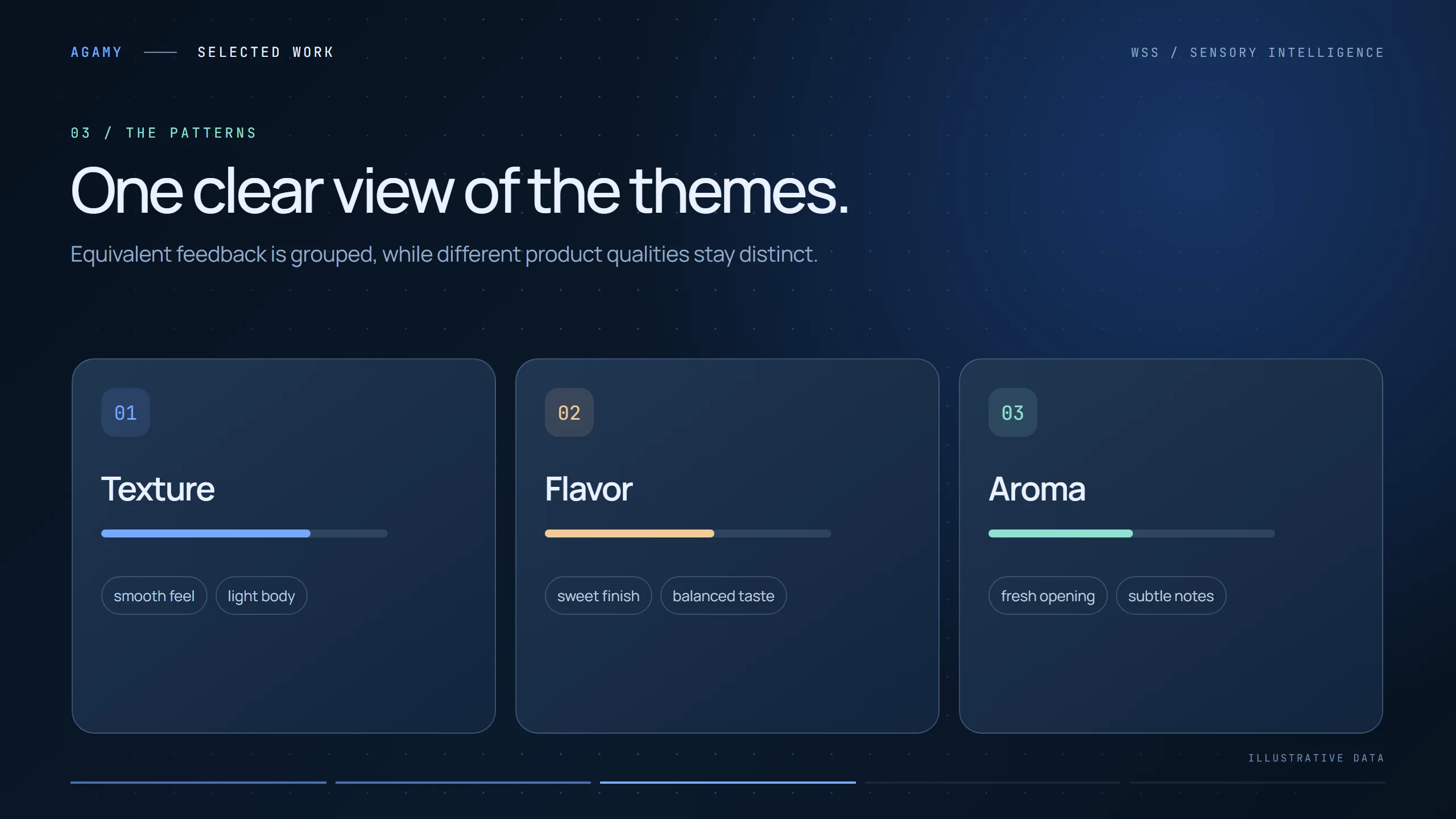
ThemesEquivalent feedback is grouped; different qualities stay distinct.
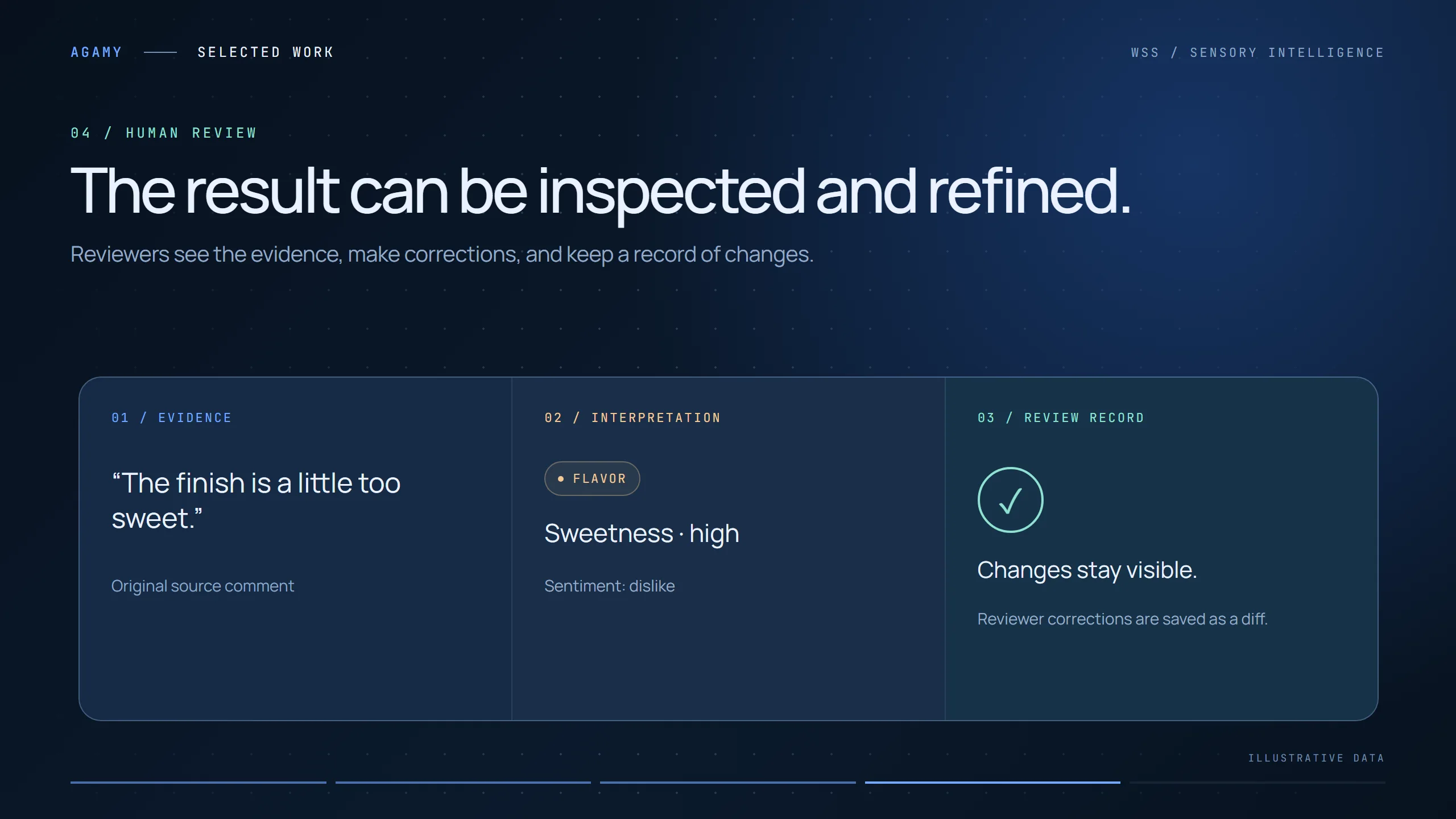
Human reviewReviewers see evidence beside each call, and corrections are kept as a diff.
The reportA multi-sheet workbook: summary, phrases, frequencies and charts.
wss · feedback analysis
Inside the system
Built to be trusted.
The interesting engineering isn’t the model call — it’s everything around it that makes the output checkable. Click any frame to enlarge it.
/ Grounding — original words preserved
01
No phrase without a source.
Every point the model extracts has to match a span in the original comment. Anything that can’t be located is rejected rather than “cleaned up”, so the report never contains a sentence nobody said. This one rule is what lets an analyst stand behind the numbers.
Extraction is checked against the source text, not trusted
Each point keeps a link back to its comment
/ Patterns — themes with frequencies
02
Group meaning, keep distinctions.
“Smooth feel” and “silky texture” belong together; “too sweet” and “nice aroma” do not. Themes are organised by sensory category, and each carries a frequency so teams can see what matters most — not just what was said loudest.
/ Human review — evidence beside every call
03
People stay in charge.
The review screen puts three things side by side: the original comment, how it was interpreted, and the review record. Reviewers can correct a category or sentiment in place, and every change is saved as a diff — so the final report shows both the result and how it was reached.
/ Output — a workbook teams already know how to use
04
Deliver where the team works.
Instead of another dashboard to log into, the result is an Excel workbook with sheets for the summary, phrases, frequencies and ready-made charts. It drops straight into existing reporting habits and can be shared internally without new tools.
Design principles
AI you can audit.
LLM extraction
Span verification
Theme grouping
Sentiment
Review diff log
Excel reporting
01
Grounded
Outputs are made of the respondents’ own words, verified against the source.
02
Traceable
Any theme or count can be followed back to the comments behind it.
03
Reviewable
Humans confirm or correct, and every edit is kept on record.
04
Familiar
Results land in a spreadsheet, the format research teams already trust.